



Bluetooth Blood Pressure Monitor App: What the Data Can Do, and What It Cannot
Preface
A bluetooth blood pressure monitor app turns a cuff reading into a record. Instead of writing 132/84 on a scrap of paper, the user sees a timestamped entry, a weekly average, and a chart a clinician can scan in seconds. That is a genuine improvement in home hypertension care, but it is a workflow improvement, not a measurement one. The cuff, the artery, the cuff fit, and the body position still decide whether the number is any good. Apps decide what happens afterward.
This guide examines both sides of that line: what a connected monitor and its app do well, where the evidence supports them, where the marketing outruns the data, and how to set up a routine that produces numbers worth acting on. It is written for people buying a first connected monitor, caregivers managing a parent's readings, clinic staff who review home data, and distributors comparing app-enabled devices. The goal is a realistic picture, not a sales pitch.
Table of Contents
- 1. What a Bluetooth Blood Pressure Monitor App Actually Does
- 2. Accuracy Starts in the Cuff, Not the App
- 3. What the Evidence Says About App-Based Monitoring
- 4. Bluetooth, Cellular, or Paper: Choosing a Data Path
- 5. The Measurement Routine the App Cannot Fix
- 6. Reading Trends: Averages, Morning Readings, and Variability
- 7. Sharing Data With a Clinician Without Drowning Them
- 8. Privacy, Accounts, and Long-Term Access
- 9. Validation and Certification Checklist
- 10. Finicare BP220 and the Connected Workflow
- 11. Setting Up a Seven-Day App Routine
1. What a Bluetooth Blood Pressure Monitor App Actually Does
A connected monitor pairs with a phone or tablet over Bluetooth Low Energy. When a reading finishes, the device sends systolic pressure, diastolic pressure, pulse rate, and usually the time to the app. The app stores the entry, plots it, computes averages, and may export a report. Some apps add reminders, medication notes, or a summary-sharing feature for clinicians. The sensor work happens inside the cuff; the app handles transport, storage, and presentation.
That division of labor explains what can and cannot be improved later. If the cuff was two sizes too small, the reading was biased before the app received it; if the arm hung unsupported, the number was already high. No amount of charting corrects either error. What the app does is make the error visible over time: a series taken under the same bad conditions will at least be consistently bad, and a clinician who sees the pattern can ask about technique. A single reading on paper hides that pattern.
The benefits are modest but real: timestamps remove recall bias, averages reduce the influence of a single outlier, exports replace photographed screens, and reminders keep a seven-day series on track. That is why the connected monitor has become standard in home programs, not because software makes a measurement more clinical.
2. Accuracy Starts in the Cuff, Not the App
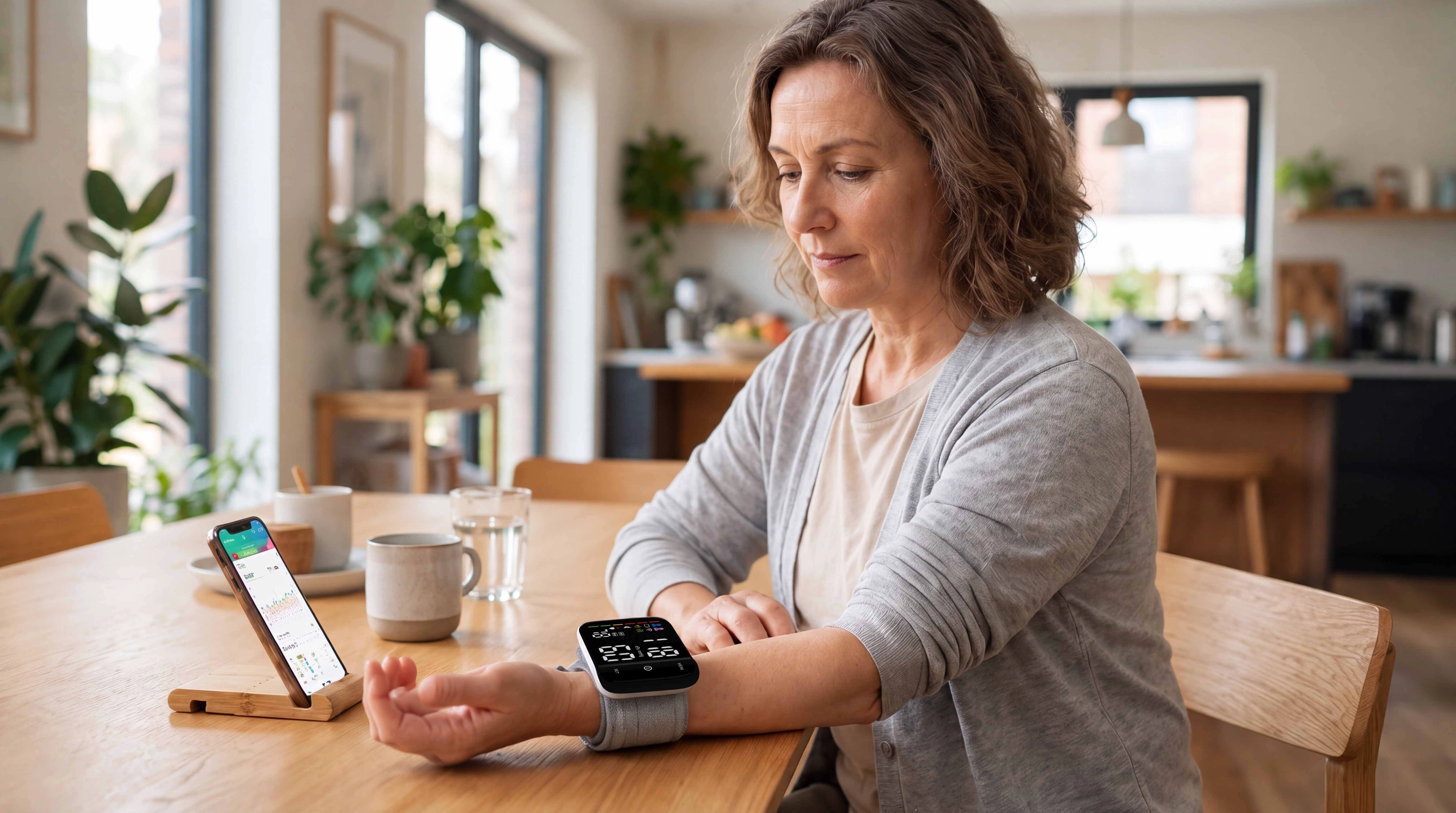
Home measurement with a connected wrist monitor and the companion app.
Every validated home monitor is validated as a measuring instrument, and a bluetooth blood pressure monitor app is not part of that validation. A device that meets a recognized protocol has demonstrated agreement with a reference method under controlled conditions. The Bluetooth radio and the phone software sit outside that claim. That is why a buyer should check the monitor's validation status first and the app's feature list second.
Cuff fit is the most common avoidable error. The bladder should encircle roughly 75 to 100 percent of the arm, and the cuff should sit two to three centimeters above the elbow crease on bare skin or a thin sleeve. A cuff too small overestimates pressure; one too large can underestimate, and a conical arm may need a conical cuff. No app setting compensates for a cuff that does not fit.
Body position matters just as much: back supported, feet flat, arm at heart level, five quiet minutes before the first reading. Talking, a full bladder, caffeine, and a cold room all shift the number. Two readings a minute apart, averaged, are more reliable than one. A good app can prompt these steps but cannot enforce them, and a confident trend line inherits every technique error behind its points.
3. What the Evidence Says About App-Based Monitoring
The strongest recent evidence comes from a 2025 meta-analysis in Frontiers in Public Health that pooled 31 randomized trials and 9,559 adults. Telemedicine combining home monitoring with remote support lowered systolic pressure by about 4.62 millimeters of mercury and diastolic by 1.33 millimeters versus usual care. The subgroup using a device with an app achieved the largest systolic reduction, about 6.42, while standalone apps reached 5.52. The authors concluded that pairing a home monitor with app support is more effective than either element alone.
A 2025 review of telemonitoring and self-management adds nuance. Earlier meta-analyses found systolic reductions of roughly 3.99 and 3.62 millimeters, but designs vary widely and evidence for hard outcomes such as admissions and mortality remains weak. Telemonitoring also demands clinician time, and cost-effectiveness is not established. In one real-world dataset, about 90 percent of roughly 19,000 reports submitted through a web tool contained enough readings for a reproducible average, which suggests structured submission can produce usable data at scale.
A third line of evidence concerns wearable and cuffless devices. A 2026 review in Frontiers in Digital Health found that cuffless technologies rely heavily on proprietary algorithms, require calibration against a cuff, and have inconsistent validation, especially outside controlled settings. The review is explicit that such devices should not replace validated cuff measurement when a diagnosis or medication change is at stake. For anyone evaluating a bluetooth blood pressure monitor app, the implication is straightforward: the app is a delivery channel for cuff data, and the cuff remains the reference.
4. Bluetooth, Cellular, or Paper: Choosing a Data Path
Bluetooth is the most common consumer option because it is inexpensive and works with a phone the user already owns. Its weakness is dependence: the phone must be nearby, paired, charged, and running a compatible app. For a motivated user that is trivial; for an older adult living alone it can end the series after three days. A monitor that stores readings internally and uploads later softens the problem, but the pairing step remains.
Cellular monitors remove the phone from the loop. The device transmits directly to a platform, which suits remote programs where the patient does not use a smartphone and the clinician needs reliable delivery. The trade-off is cost, connectivity contracts, and vendor dependence. Paper remains legitimate: a well-kept log with dates and times beats a connected device that is never used, and a clinician can read a clean log without software.
The right choice depends on who operates the system and who reads the data. A bluetooth blood pressure monitor app is a good fit when the user is comfortable with a phone and wants a shareable trend. A cellular device fits institutional programs with high-risk patients, and a simple monitor with memory and a paper log fits users who value simplicity. None of these paths changes the accuracy of the cuff.
5. The Measurement Routine the App Cannot Fix
Treat a connected monitor like any validated device. Measure at the same times each day, usually morning before medication and evening before dinner. Avoid caffeine, exercise, and smoking for 30 minutes beforehand. Empty the bladder, sit with back supported and feet flat, and rest for five minutes. Wrap the cuff on bare skin, check the fit, keep the arm at heart level, and stay silent during inflation. Take two readings a minute apart and let the app average them.
A bluetooth blood pressure monitor app can prompt these steps and flag readings taken at unusual times. It cannot tell whether the cuff was on the right arm, whether the user was talking, or whether the reading followed a stressful phone call. That is why notes matter: a short comment such as "after walk" or "cuff felt loose" gives the trend context that numbers alone lack. An app that supports notes and tags is more useful than one with a prettier chart and no context field.
Consistency also means using the same arm. If one arm has a history of vascular access, injury, or surgery, use the other and tell the clinician. Differences between arms above 10 to 15 millimeters of mercury are worth mentioning. A series taken alternately from two arms without a note is harder to interpret than a slightly biased but consistent series.
6. Reading Trends: Averages, Morning Readings, and Variability
A single reading is a data point; a week of readings is a pattern. Home guidelines generally rely on averages over several days rather than one measurement. Many clinicians use home thresholds of 130/80 or 135/85 millimeters of mercury and read them against a series rather than a single morning. The app's job is to present the series honestly: how many readings, over how many days, with what spread.
Morning readings deserve attention because blood pressure often rises in the early hours. A consistent morning series can reveal a pattern that clinic readings miss. Evening readings show a different picture, and the relationship between the two can be clinically useful. The app should display morning and evening averages separately rather than blending everything into one number, and show variability rather than hiding it.
Variability is information, not noise. A series that swings widely may reflect technique problems, irregular heartbeat, stress, or medication timing. Some apps compute standard deviation or flag outliers, which helps a clinician decide whether to trust the average. An app that reports only a single "latest" value wastes the series. Users should look for apps that show count, average, range, and the individual readings behind them.
7. Sharing Data With a Clinician Without Drowning Them
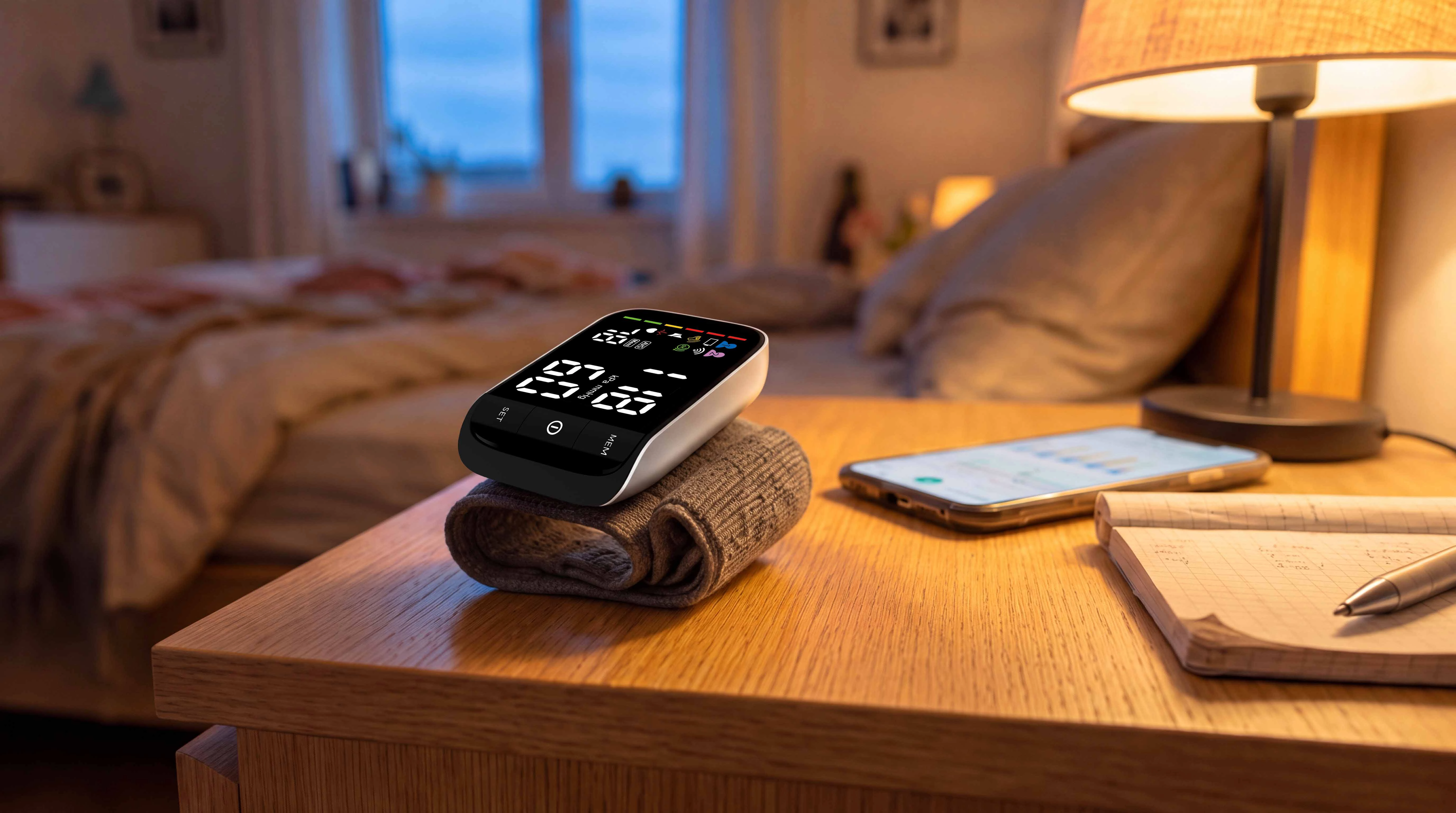
A clinician reviewing a shared home blood pressure series on a tablet.
Sharing is where a bluetooth blood pressure monitor app earns its keep. A clinician reviewing home data wants three things: a clear period, a complete set of readings, and enough context to judge technique. A PDF or CSV export with dates, times, systolic, diastolic, pulse, and notes satisfies that need. A screenshot of a colorful dashboard often does not, because it may omit dates or hide the individual values behind an average.
The seven-day series is a practical unit: short enough to complete, long enough to average. The app should let the user select a date range, exclude a reading taken with a loose cuff, and add a comment. Export formats matter too, CSV for clinicians who want to analyze and PDF for those who want to print. An app that cannot export is a closed loop, and closed loops create friction at exactly the moment data is needed.
Sharing also raises consent questions. Some platforms let the user invite a family member or clinician by email; others upload to a provider-managed portal. The user should know who can see the data, how long it is retained, and how to revoke access. These questions should be answered before the first reading is sent.
8. Privacy, Accounts, and Long-Term Access
Consumer health apps are not always covered by the same rules as hospital systems. The user should read the privacy policy, check whether data is stored in the cloud, and decide whether that is acceptable. Local storage with manual export offers control; cloud platforms offer easier sharing. Either can be reasonable, but the choice should be deliberate.
Account lifecycle is an underrated risk. Apps are discontinued, companies are acquired, and phones are replaced. A record that lives only in an app can disappear. Exporting a copy every few months is a simple safeguard. For clinicians, the useful export includes timestamps, device identifiers, and enough context to interpret the numbers. A file of bare values with no dates is nearly useless.
Security basics apply: a unique password, two-factor authentication when offered, an updated phone, and no pairing on shared devices. A health app holds data in a pocket and deserves the same care as a banking app.
9. Validation and Certification Checklist
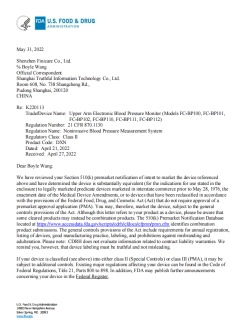
A home monitor should be validated against a recognized protocol and legally marketed for its intended use. The relevant standards for automated cuff devices include ISO 81060-2 and ISO 80601-2-30. The label should state validation status, cuff range, and the accuracy claim. In the United States, a 510(k) clearance can be checked in the FDA database; in Europe, the manufacturer should provide a validation study or a notified body certificate.
For connected devices, ask three more questions. Does the app publish a supported-version list, and what happens when the phone updates? Does the device store readings when the phone is absent, and for how many? Can the user export data without contacting support? A bluetooth blood pressure monitor app is a system, and the system includes software that must still work in three years.
Distributors and clinic buyers should review the validation report, the label, and the app documentation together. A device can be accurate and still fail a program because the app cannot export or the pairing process is unreliable. The reverse is also true: a polished app cannot rescue an unvalidated cuff.
10. Finicare BP220 and the Connected Workflow
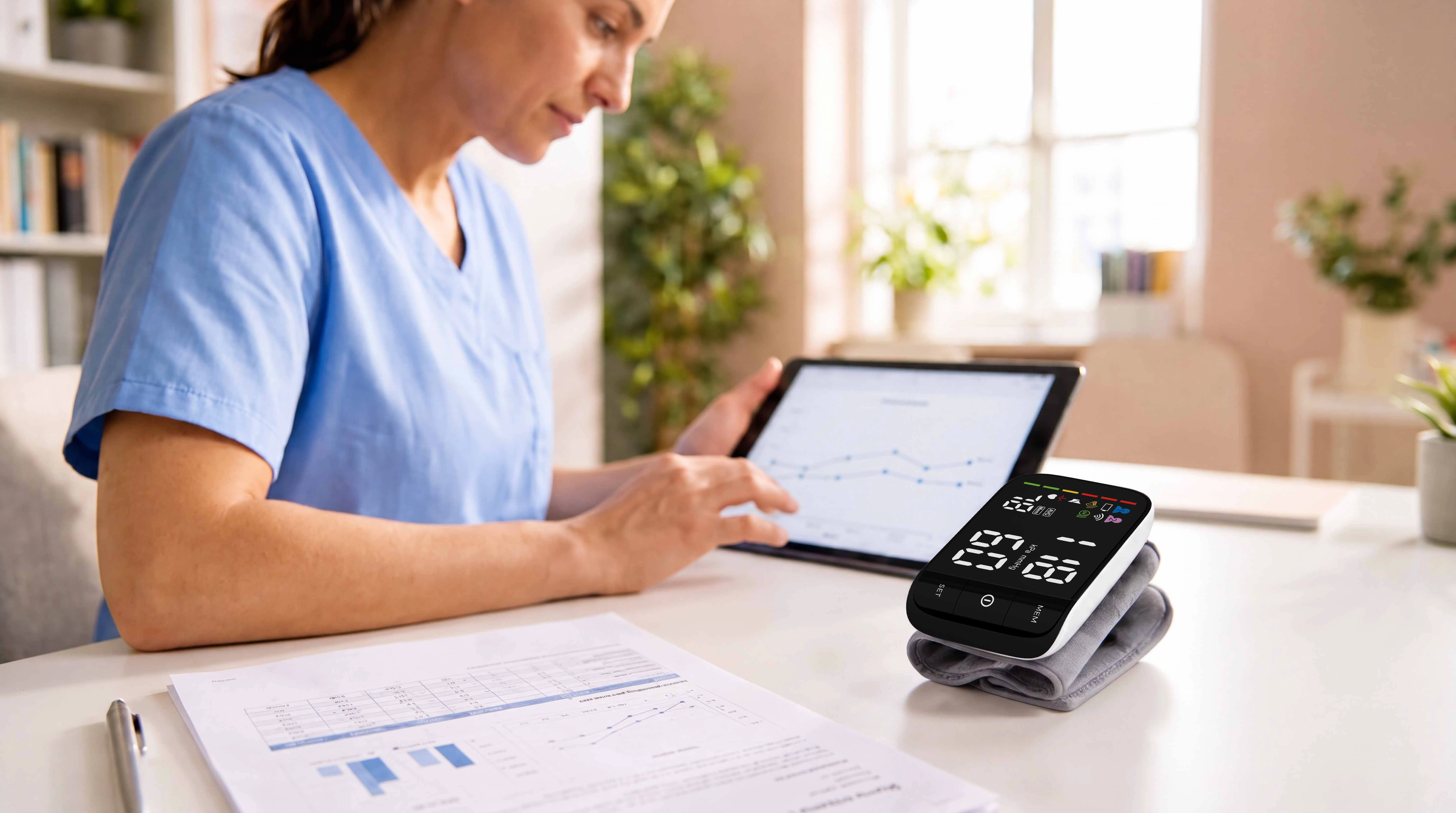
Finicare BP220 wrist blood pressure monitor.
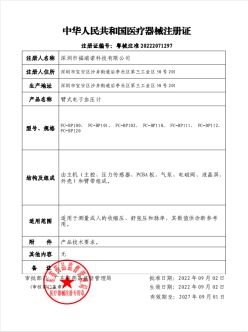
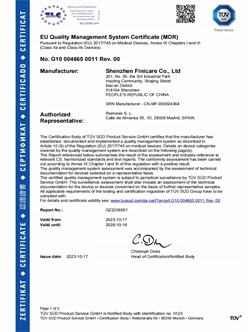
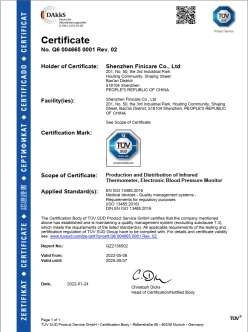
Finicare, established in 2017 and integrating research, development, production, and sales, is a Shenzhen-based medical device manufacturer exporting to more than 80 countries. Its portfolio includes blood pressure monitors, thermometers, nebulizers, and pulse oximeters, and the company holds FDA 510(k), CE (MDR), TGA, MDL, UKRP, NMPA, FSC, FCC, and RoHS certifications, with a factory operating under ISO 13485, MDSAP, and BSCI. That breadth lets a buyer source a connected monitoring kit from one supplier with a consistent documentation package.
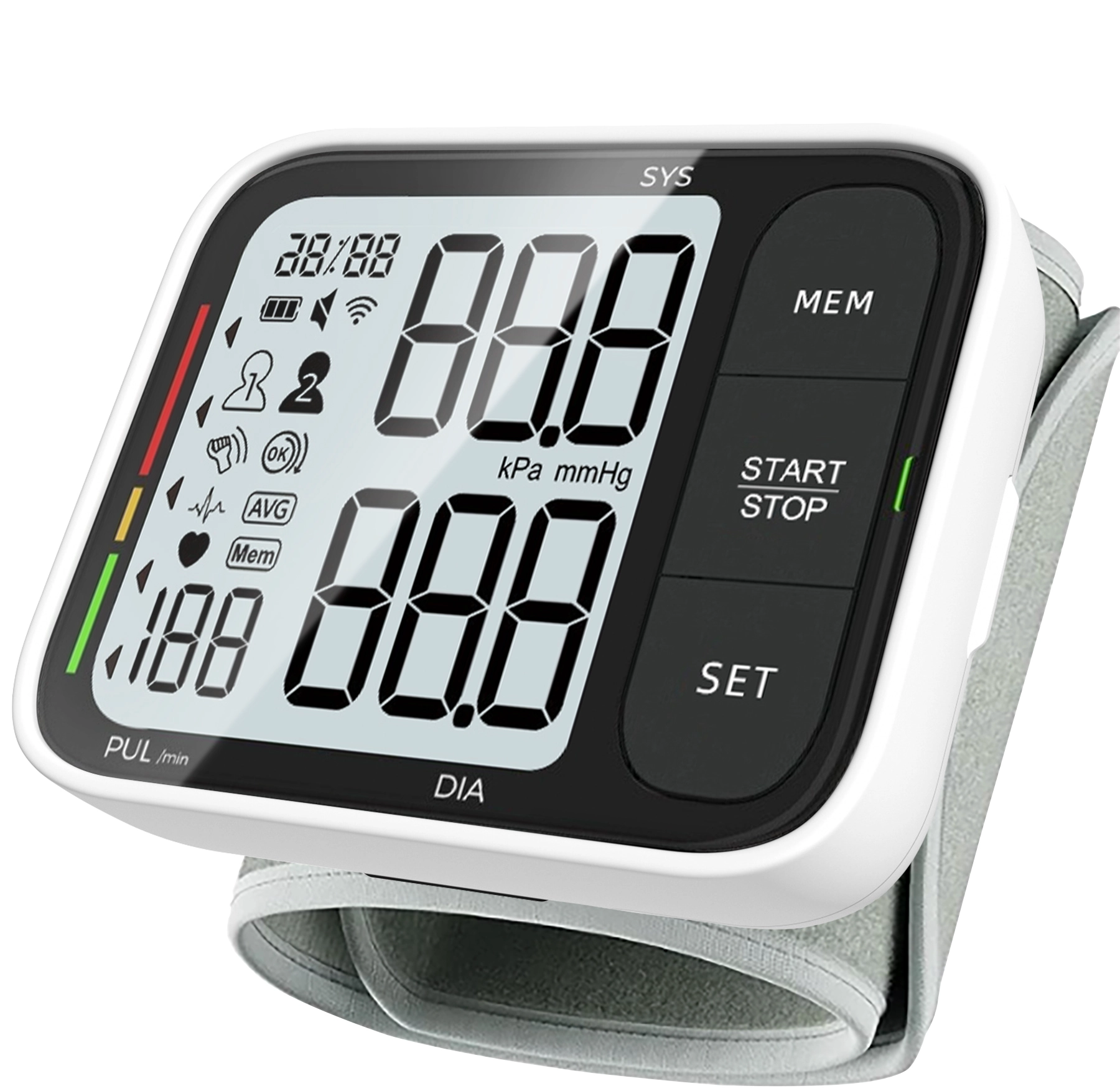
The BP220 is a wrist monitor built around a connected workflow. Its rounded black housing carries a large black glass panel with bright white digits for systolic, diastolic, and pulse, a vertical red-yellow-green indicator bar at the upper right, and on-screen indicators for Bluetooth, memory, average, voice, and irregular heartbeat. Three buttons along the lower edge control settings, power, and memory, and the device uses a gray fabric wrist cuff. Readings can be sent to a companion app, so a bluetooth blood pressure monitor app routine becomes a stored series rather than a paper log. The wrist format suits travel and small spaces, but it demands heart-level positioning like any wrist device, and the app does not remove that requirement.
For a distributor or clinic, the BP220 fits programs that need a compact, connected device with a familiar interface. For a household, it fits a user who will actually wear a wrist cuff consistently. It does not replace an upper-arm monitor for everyone, and the app does not replace a clinician. What it does is make the record easier to keep and easier to share.
11. Setting Up a Seven-Day App Routine
An evening routine: monitor, phone app, and a paper backup log.
Start with a plan. Choose two measurement times, usually morning before medication and evening before dinner, and enter them as reminders. Pair the monitor once, confirm that a test reading appears in the app with the correct date and time, and check the cuff size. Keep the phone within a few meters, and confirm that the device stores readings while the phone is away.
Run the series for seven days. Take two readings a minute apart at each session, sit quietly for five minutes beforehand, and add a short note when something unusual happened. At the end of the week, review the morning and evening averages, count the readings, and look at the spread. Export a PDF or CSV before any appointment. If a reading is implausible, repeat it rather than deleting it, and mention the repeat in the notes.
Know when to act. A home average at or above the clinician's threshold, a sudden sustained rise, or symptoms such as chest pain, severe headache, weakness, or breathlessness warrant contact with a professional regardless of what the app shows. The app supports a conversation; it does not replace one.
Summary
A connected monitor and its app improve the record, not the measurement. The cuff, the fit, and the body position determine accuracy, while the app supplies timestamps, averages, trends, and exports. The 2025 evidence is encouraging: telemedicine combining home monitoring with app support lowered systolic pressure by about 4.62 millimeters of mercury across 31 trials, with the largest effect when a device and an app were used together. The same literature cautions that hard-outcome evidence is weaker, that telemonitoring consumes clinician time, and that cuffless devices are not a substitute for validated cuff measurement.
The practical checklist is short. Choose a validated monitor with a correctly sized cuff, use a consistent technique, take two readings a minute apart, and keep a seven-day series. Pick a bluetooth blood pressure monitor app that stores readings offline, exports CSV or PDF, supports notes, and explains its privacy policy. For buyers, Finicare, established in 2017 and integrating R&D, production, and sales, offers the BP220 wrist monitor within a portfolio exported to more than 80 countries under FDA 510(k), CE (MDR), TGA, MDL, UKRP, NMPA, FSC, FCC, and RoHS certifications, with ISO 13485, MDSAP, and BSCI factory certifications. The best app is the one that makes a good measurement routine easier to repeat, and the best routine is the one the user will still follow next month.
References
1. Effectiveness of telemedicine interventions on blood pressure - Frontiers in Public Health. https://www.frontiersin.org/journals/public-health/articles/10.3389/fpubh.2025.1693141/full
2. Telemonitoring and self-management for digital hypertension management - PMC. https://pmc.ncbi.nlm.nih.gov/articles/PMC12314696/
3. Wearable, cuffless, and portable devices for blood pressure measurement - Frontiers in Digital Health. https://www.frontiersin.org/journals/digital-health/articles/10.3389/fdgth.2026.1870156/full